Introduction
For the GMTK game jam 2025, after my failure to follow through last year, I decided to stick with something that felt achievable but had space for ambition.
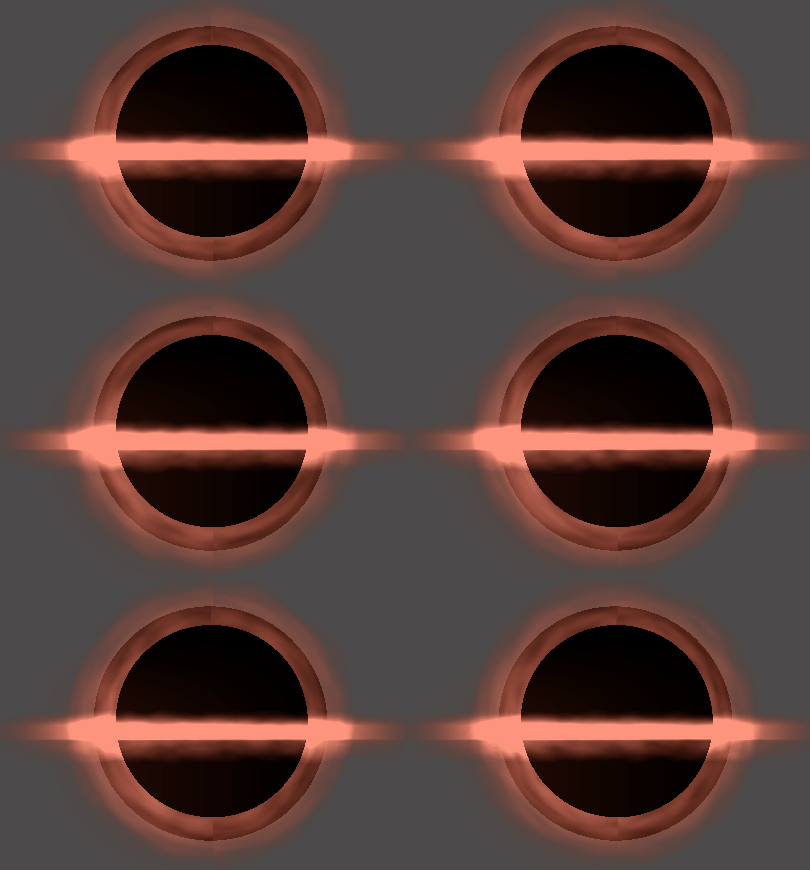
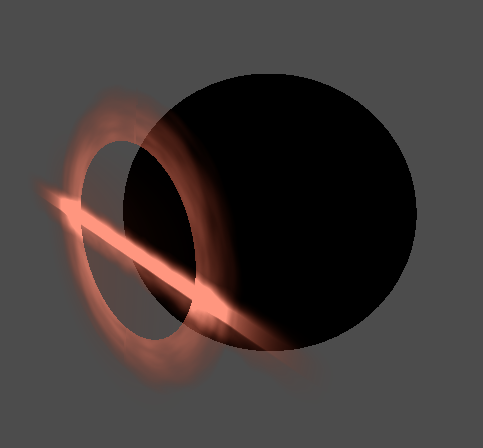
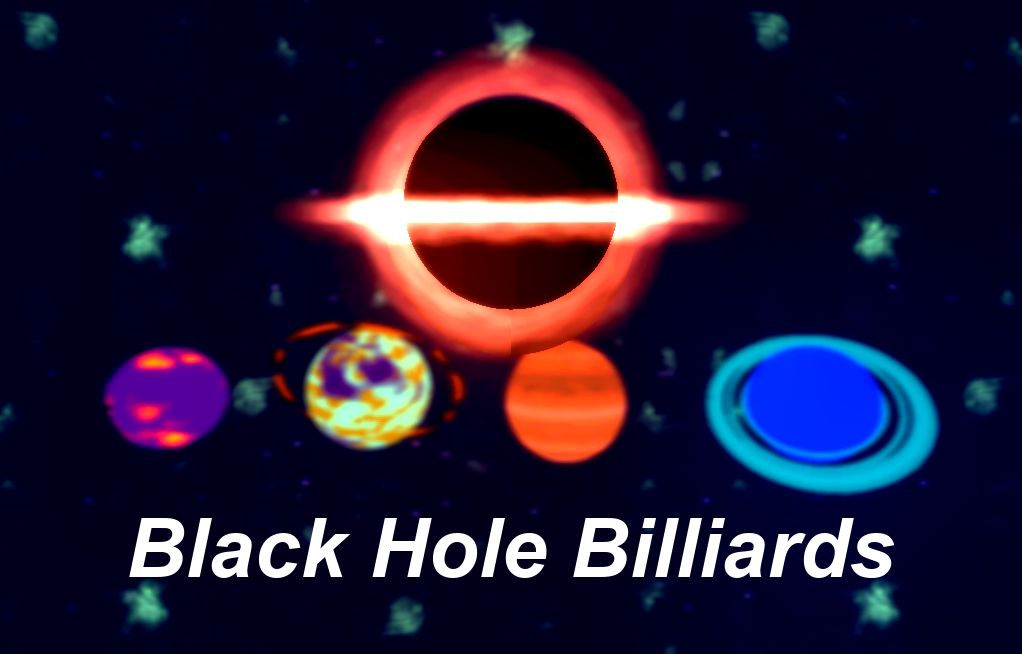
The theme was 'loop', so my concept was Black Hole Billiards, a game where you try and control planets in orbit around you and land them in pockets to score points.
And instead of fussing around with pixel art or 3d models, I was going to do all the art through shaders!
Here's each of those shaders one by one!
Ringed Planet
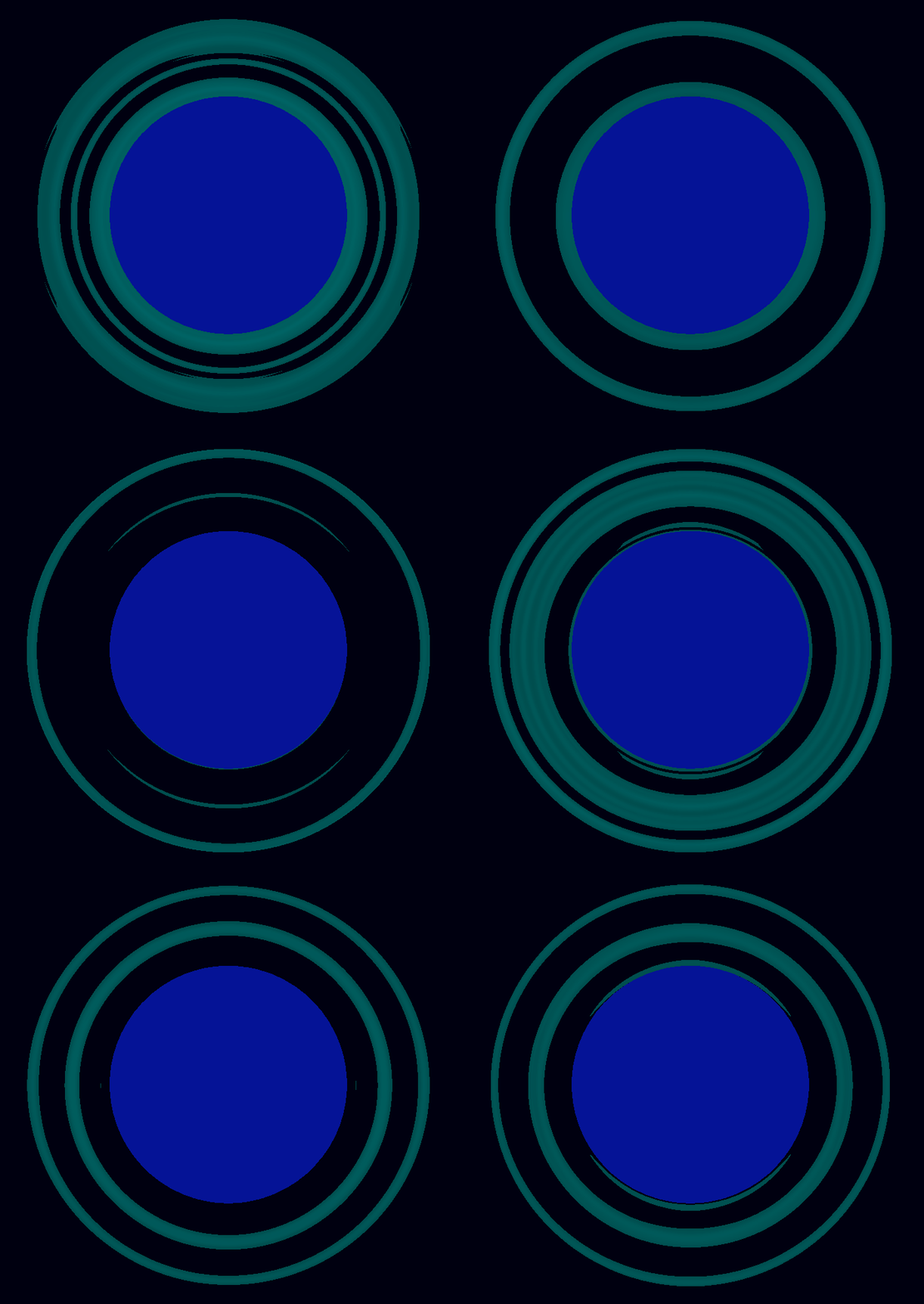
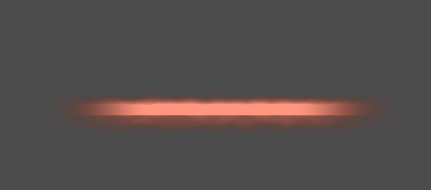
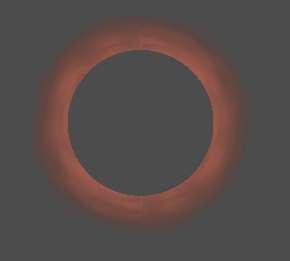
For these animated rings, I used polar coordinates on a square again. Polar coordinates are an alternative to grid-based coordinates adapted to circular motion or shapes.
The way they work is that the x coordinate is the radius, or the distance from the centre point of the coordinates and the y coordinate is the angle from that centrepoint, or you could think of it as the angle around the diameter of an outer circle.
The rings are created by applying noise along the x coordinate and then I add variation along the polar y to create an orbiting effect.
Alien Planet
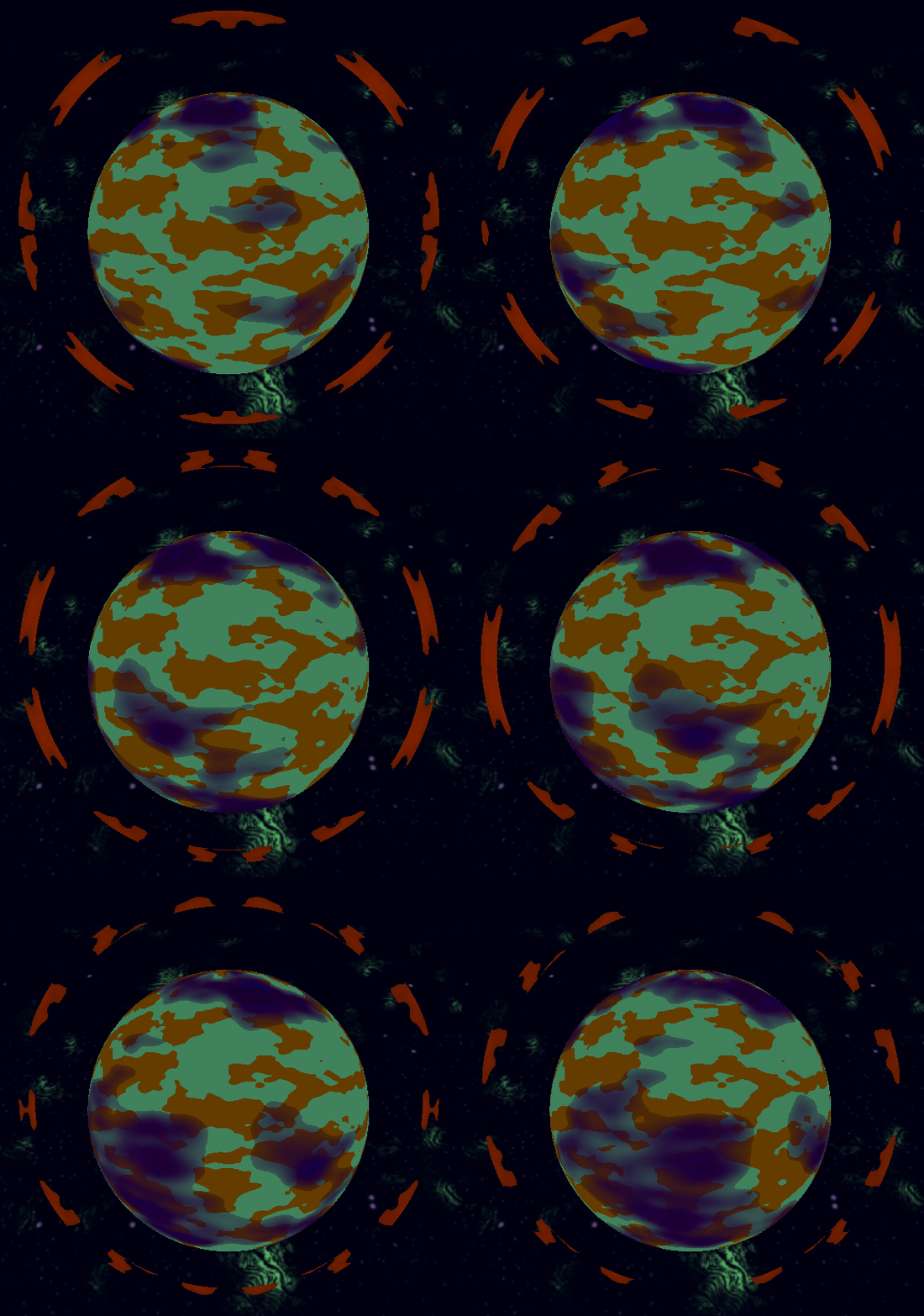
This one's surface is two pretty simple thresholded noise samples, one blended over the other to create the clouds.
The rings are using the same rect shader as the previous planet, but I've used parameters to make the rings thinner and increase the strength of the orbiting noise to give it a different character of movement.
Jupiter-like Planet
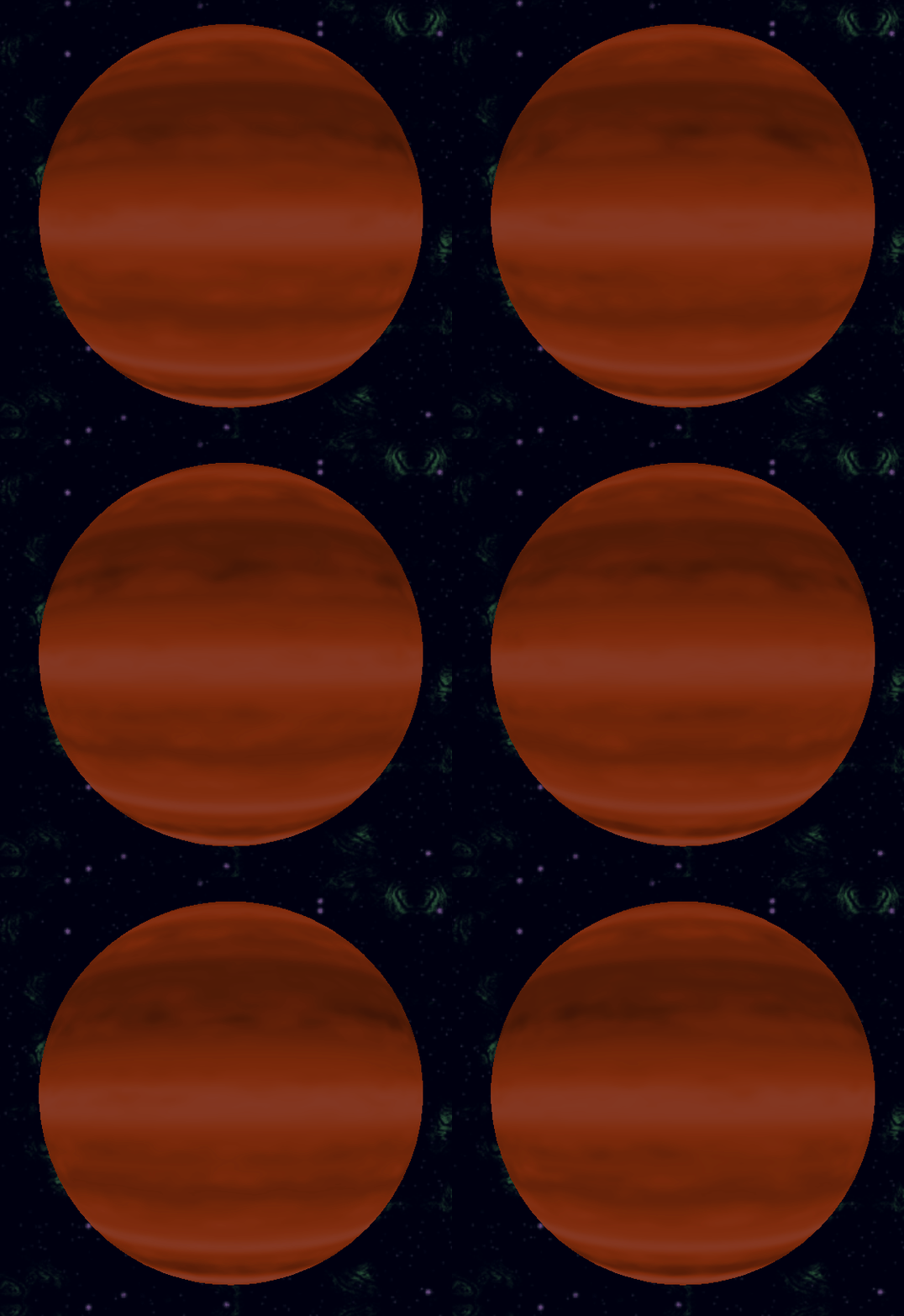
For this one, I used two samples of noise, one that stays constant on the UV x to split the sphere into stripes and another that scrolls over it.
The second noise sample scrolls mostly horizontally but a little bit vertically to create more variation. I add that value to the x axis of the primary stripe sample.
This is all black and white, which I multiply with a base orange colour, but that looks a bit flat, so I also added a bit of artistic colour adjustment to add some cooler shades to the clouds.
Lava Planet
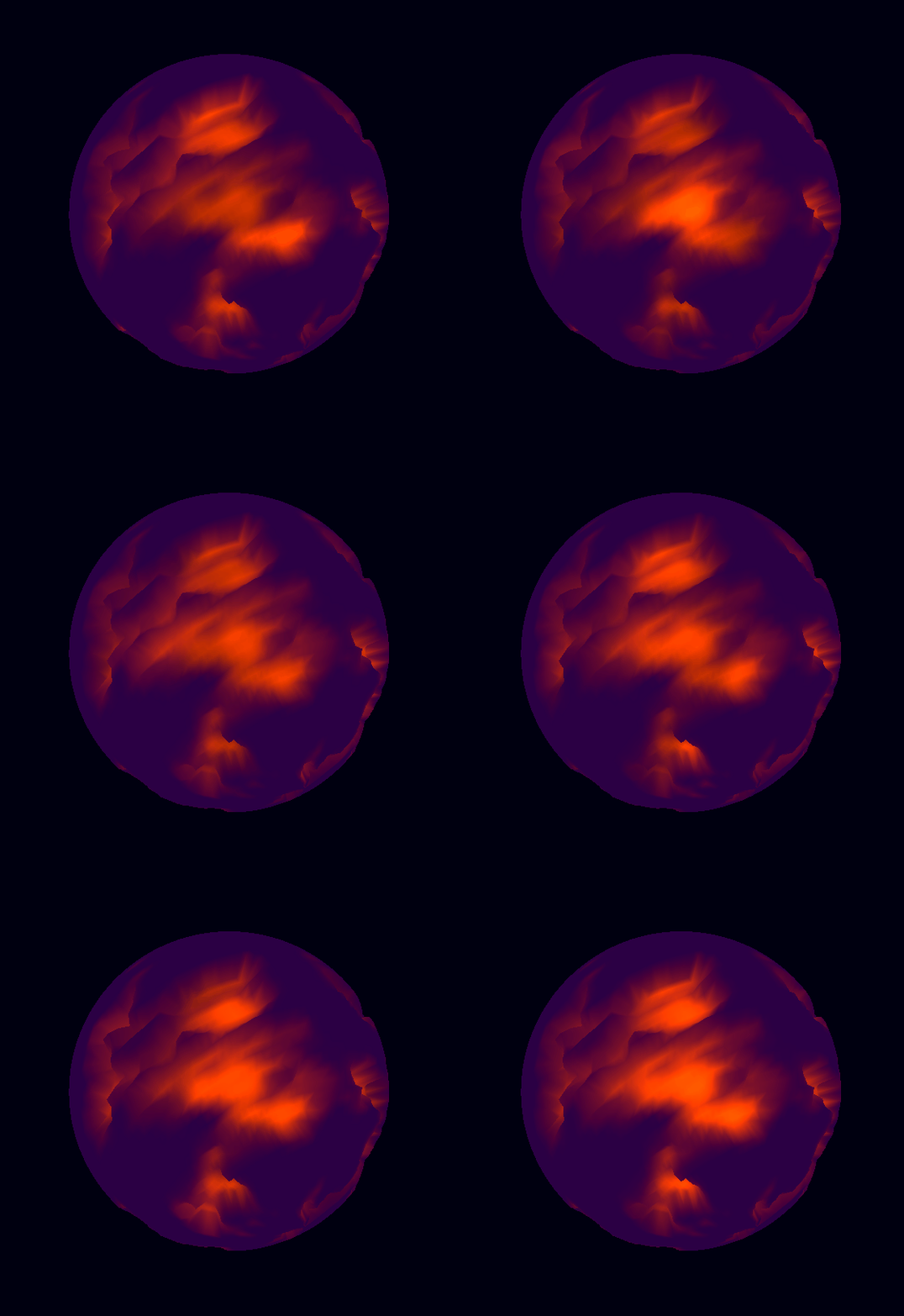
This one uses a vertex shader as well as a fragment. It uses a smoothstep function on a noise sample to subtract depth along the normal vector and then passes the sample to the fragment function.
The fragment takes that to mask a surface and secondary colour and some scrolling noise the animate the secondary colour. I also give the secondary colour to the emmisive output, to create a glowing lava effect.